
On this page 6 sections
By PlayPick Editorial · Sources checked · Editorial policy
A new weapon creates two decisions: whether its moves suit you, and whether it deserves your upgrade materials. Treating those as the same question makes it harder to understand a struggling build. You might spend more on a weapon whose attack sequence you still cannot finish safely—or abandon a useful weapon after one unfamiliar encounter.
Start by giving each equipped weapon a job. Then test the pair in a familiar fight before committing more materials.
This guide combines documented mechanics with PlayPick’s suggested comparison method. It is not a hands-on weapon ranking or a damage benchmark.
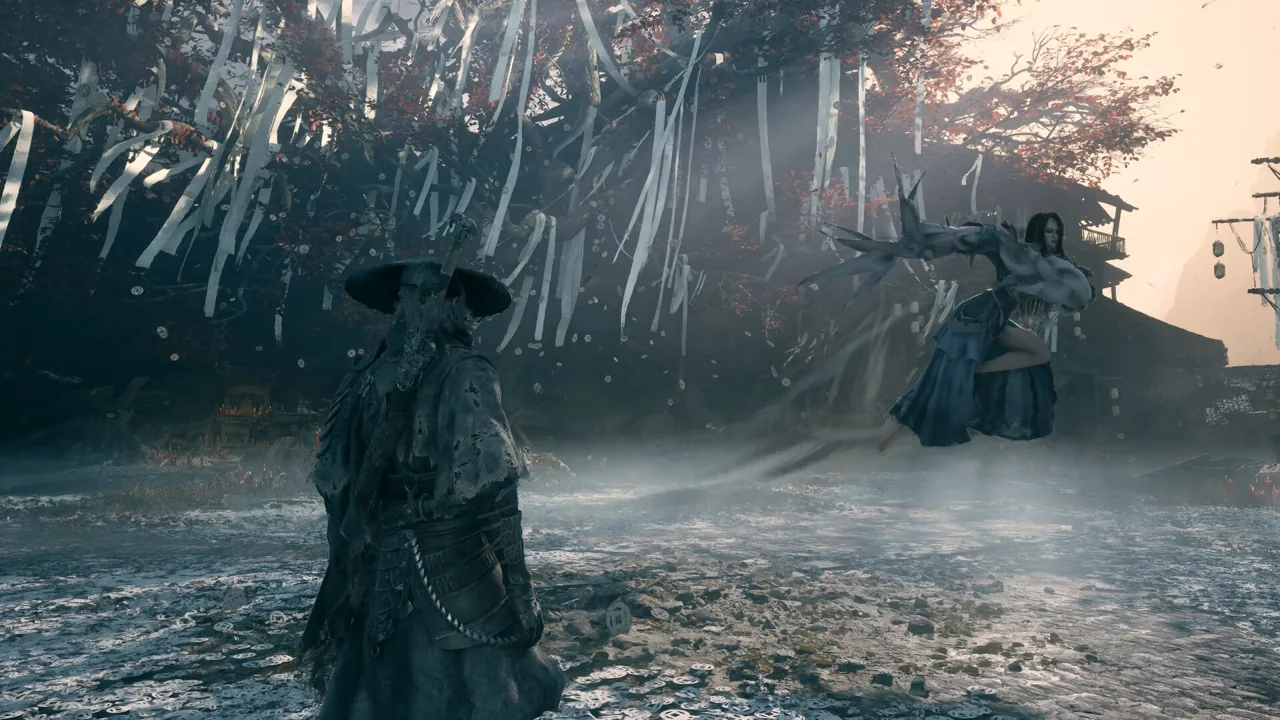
Give your two weapons different jobs
Phantom Blade Zero lets you equip two main weapons. PlayStation’s combat explanation says switching between them can replenish Sha-Chi, connecting weapon choice to your ability to defend. Holding block consumes that resource; depletion can leave you staggered. Source: PlayStation’s combat overview.
Our recommendation is to choose a reliable weapon first, then decide what the second should add. Your reliable option should have an opening sequence you can recognize and stop using before the next enemy attack arrives.
For the second weapon, identify one problem you want to solve. Perhaps you need a more comfortable follow-up after switching, or a different attack pattern for an encounter that punishes your usual approach. Write that purpose down. “It looks stronger” is difficult to test; “I want to recover my rhythm after switching” gives you something observable.
Compare weapons in the same encounter
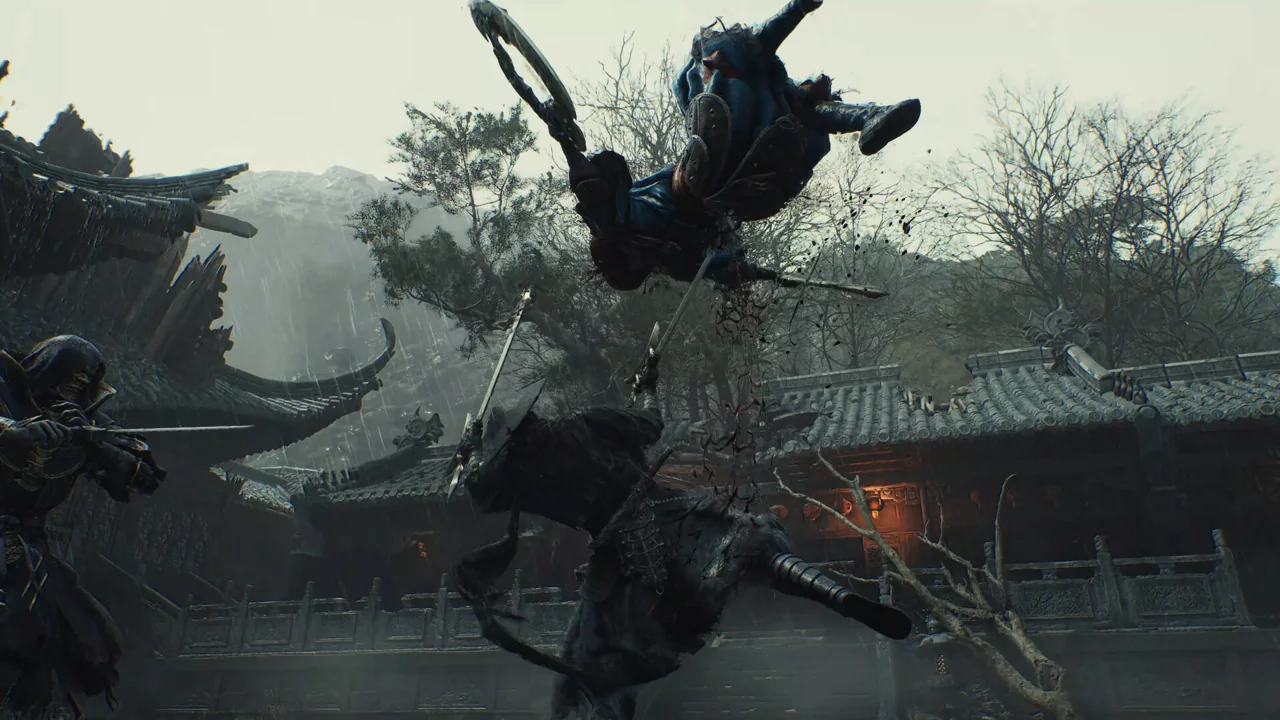
Changing the enemy, accessories and both weapons together creates an unclear result. If the next attempt goes better, you cannot tell which change helped.
Use a familiar encounter and keep the rest of your setup stable. Give each candidate a few attempts, recording three things:
- Completed openings: Could you finish the short sequence you intended?
- Unwanted commitments: Did you continue attacking after deciding you needed to defend?
- Useful switches: Did changing weapons leave you ready for the next exchange?
These are observations, not a numerical weapon score. A successful test might reveal that one option feels less spectacular but helps you make fewer avoidable mistakes.
Diagnose the failure before buying another upgrade
More investment is easiest to justify when you can explain what it should improve. Use this checklist to separate practice problems from possible equipment problems.
| What keeps happening? | What to investigate next |
|---|---|
| You take a hit while continuing an attack sequence | Try ending the sequence earlier before changing equipment. |
| You lose track of your resources during defense | Practice checking Sha-Chi between exchanges. |
| The second weapon rarely gets used | Give it a specific role, or compare another pairing. |
| Your routine works in one fight but breaks in another | Study the unfamiliar attack pattern before judging the whole build. |
| You can repeat a safe routine but remain dissatisfied with the result | Review the upgrade menu and compare available options under the same conditions. |
None of these symptoms proves that a particular weapon is bad. The purpose is to choose your next experiment, rather than repeatedly spending materials without learning why the previous attempt failed.
Use reforging to make a controlled change
S-GAME’s weapons overview confirms that upgraded weapons can be reforged to recover materials for another weapon. It also describes accessories as part of build customization. Check the current menu before confirming the transaction. Source: S-GAME’s weapons overview.
That flexibility makes a useful testing routine possible: save a note of your current setup, choose one replacement, then revisit the same encounter. Keep the accessory setup stable initially so you can judge the weapon change on its own.
If the replacement helps, decide whether you want to adjust an accessory next. If it does not, you still have a clear comparison to learn from. Rebuilding everything at once might produce a better result, but it gives you less information about why.
Keep an exploration note beside your build notes
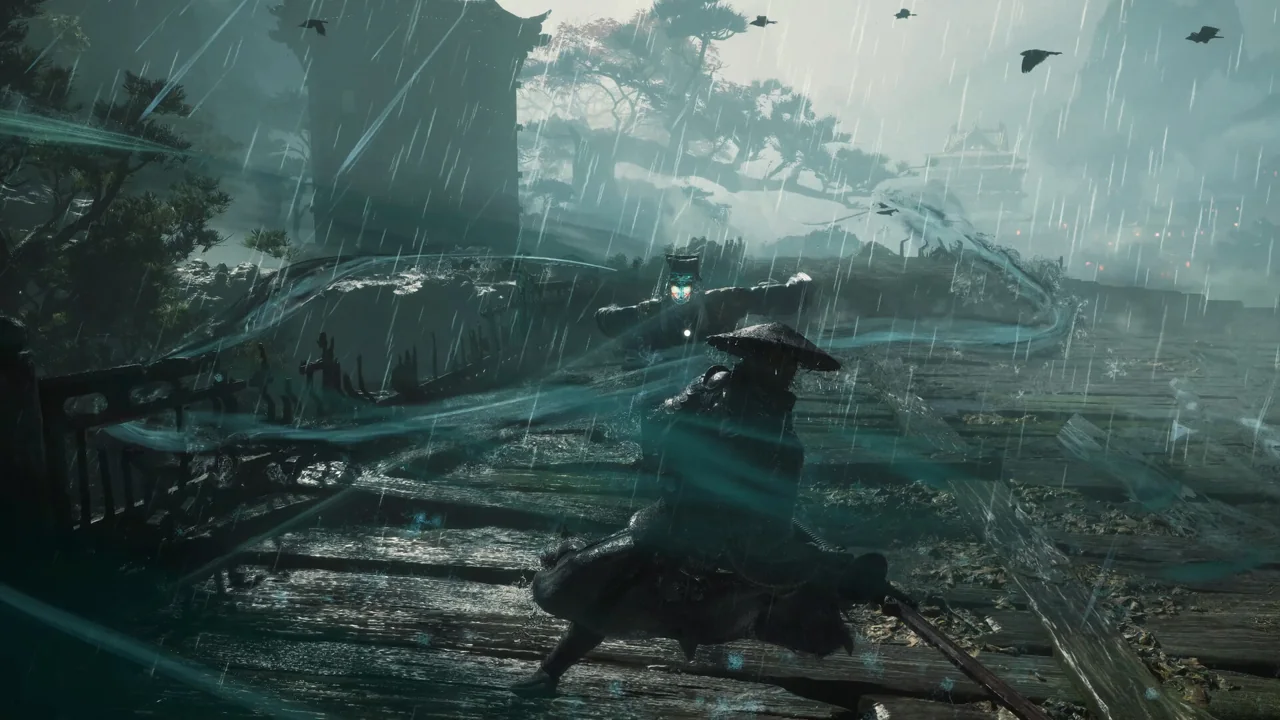
Weapon progression can matter outside combat. PlayStation’s overview describes routes that become accessible through particular Phantom Edges. When you find a blocked route, record the location and what you observed. Revisit it when you obtain a relevant tool. Source: PlayStation’s exploration overview.
Separate “I cannot beat this encounter yet” from “I may be missing an exploration tool.” They suggest different next steps. More combat investment is not automatically the answer to every obstacle.
Quick answers
What is the best weapon for a beginner?
This guide does not establish a universal winner. Start with an option whose short sequence you can use reliably, then compare a second weapon against a specific problem. A named best-in-slot recommendation would require stronger comparative evidence than official descriptions alone.
Should I spread upgrades across every new weapon?
Try a weapon’s basic feel before deciding where to invest. Concentrating on a pair you understand makes comparison easier. Reforging provides a documented route to reconsider that investment later; inspect the current transaction details first.
Should I copy PlayStation button instructions on PC?
Use the bindings displayed in your PC settings. This guide describes decisions rather than assuming that PlayStation controller labels match your keyboard or controller layout.
Where should I go next?
Read our Phantom Blade Zero combat starter guide for an opening practice routine. Our PC game profile includes system requirements, screenshots and the official Steam link.